Create with Intention
Give your next four posts a clear goal, audience, publishing plan, and useful review.
- Personalize the title, dates, colors and typography
- Download directly as a PDF or PNG
- Print in US Letter or A4
- Add other planner pages to the same project
No sign-up. No payment. Saved in your browser.
How to use your content planner
Choose one communication goal and describe who you want to reach. For each post, record a channel, date, format and idea. After publishing, record what connected and what to change. This worksheet does not publish posts.
Make it your own
Open this template in the studio and use the Content tab to add your plans. Choose Design to set a title, color, font, paper size and decoration. Check the full-page preview, then select Download PDF. Your export contains every page in the project.
Get a little help from your preferred AI assistant
Use Plan with AI in the editor to prepare a prompt for this layout. Choose ChatGPT, Gemini, Claude or Copilot, paste the prompt in the separate service, then preview and apply its JSON answer back in PaperNest. Only the information you choose is included. External service terms and limits apply; answers do not return automatically.
Print beautifully
Choose A4 or US Letter before downloading. Match the paper size in your printer settings and use actual size for the intended dimensions. For an economical print, choose the ink-saving option in Design.
Keep an editable copy
Your planner is saved on this device. Download a JSON backup from the editor to keep a separate copy or move it to another browser using Restore backup in My Planners.
Make a little more room.
Explore every template ↗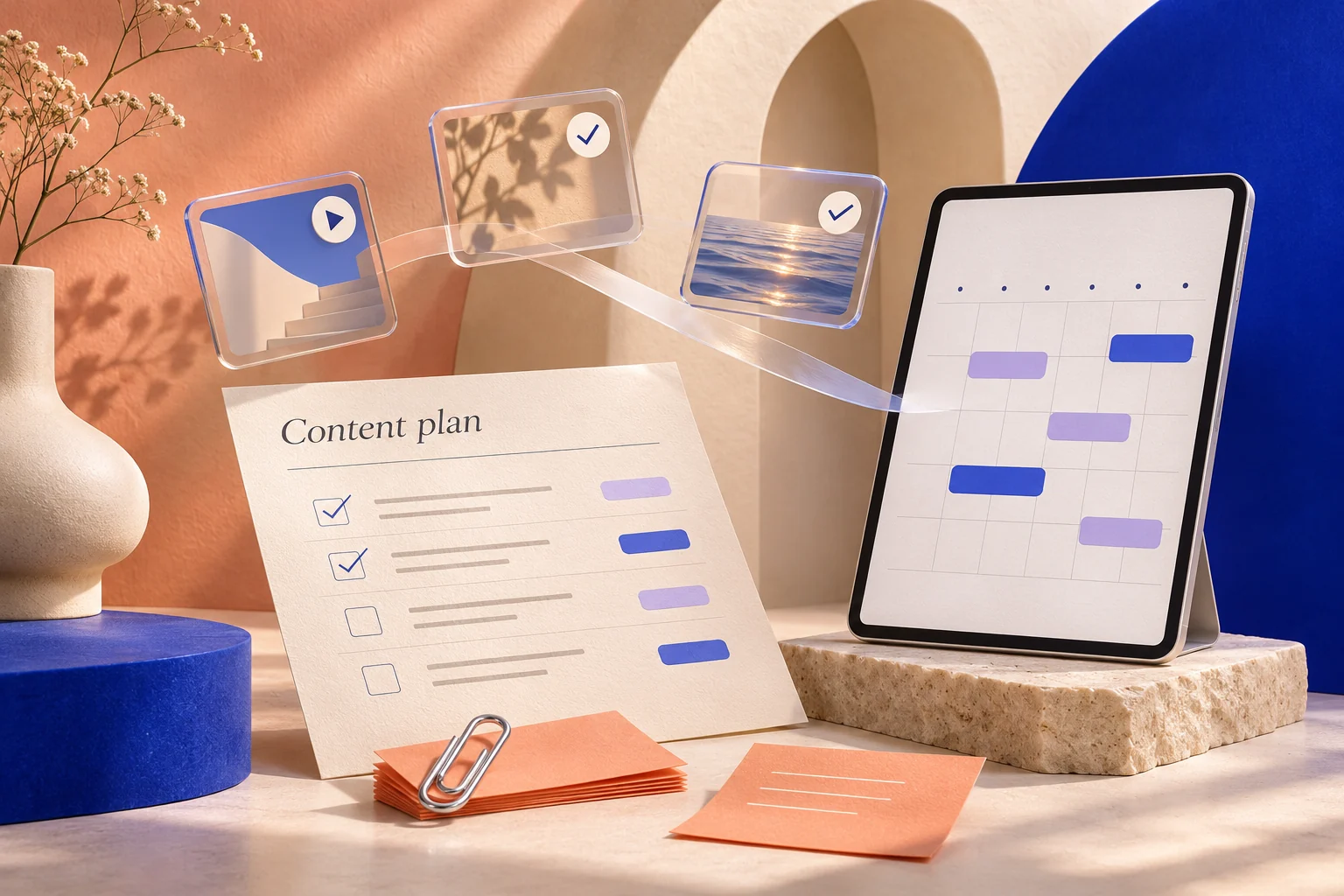
Your ideas. A little AI inspiration.
Use ChatGPT, Gemini, Claude or Copilot in a separate tab to draft your plan. PaperNest prepares a prompt, then lets you preview and apply a pasted JSON response. No AI runs inside PaperNest and answers do not return automatically.
Choose what to share, keep control of every change, and edit your plan before downloading a PDF.
Get AI ideas for this planner ✦ How it works ↗